How To Announce a Layoff on LinkedIn (With Examples)
A short, positive post can reach people you'd never think to contact. You don't have to post; but if you do, make it easy for people to help.
What to include
- One line about what happened, without blame
- What you do well and the results you've delivered
- What you're looking for: role, industry, location or remote
- A clear ask: introductions, openings, or advice
- Thanks to colleagues
What to leave out
- Criticism of the company or management
- Confidential details or anything covered by your severance agreement
- Desperation; confidence works better
Example 1: short
After 4 years at [Company], my role was part of a recent layoff. I'm proud of what our team built, especially [result]. I'm now looking for [role] roles in [industry/location/remote]. If you know of an opening or someone I should talk to, I'd be grateful for an introduction. Thank you!
Example 2: specific
I'm looking for my next role as a [title]. In my last position I [result with a number] and [result]. I'm especially interested in [type of company]. I'm open to [location/remote]. If your team is hiring, or you'd be open to a 15-minute chat, please message me.
Also
- ☐ Update your headline and the Open to Work setting (you can show it only to recruiters)
- ☐ Refresh your About section and recent experience
- ☐ Reply to every comment and message
- ☐ Track the conversations in your job application tracker
Follow up with a direct message
Thanks so much for your comment, [Name]! Would you be open to a quick call next week? I'd love your perspective on [company/industry].
General information.
The Laid-Off Action Kit includes an editable LinkedIn post, networking messages and a thank-you note.
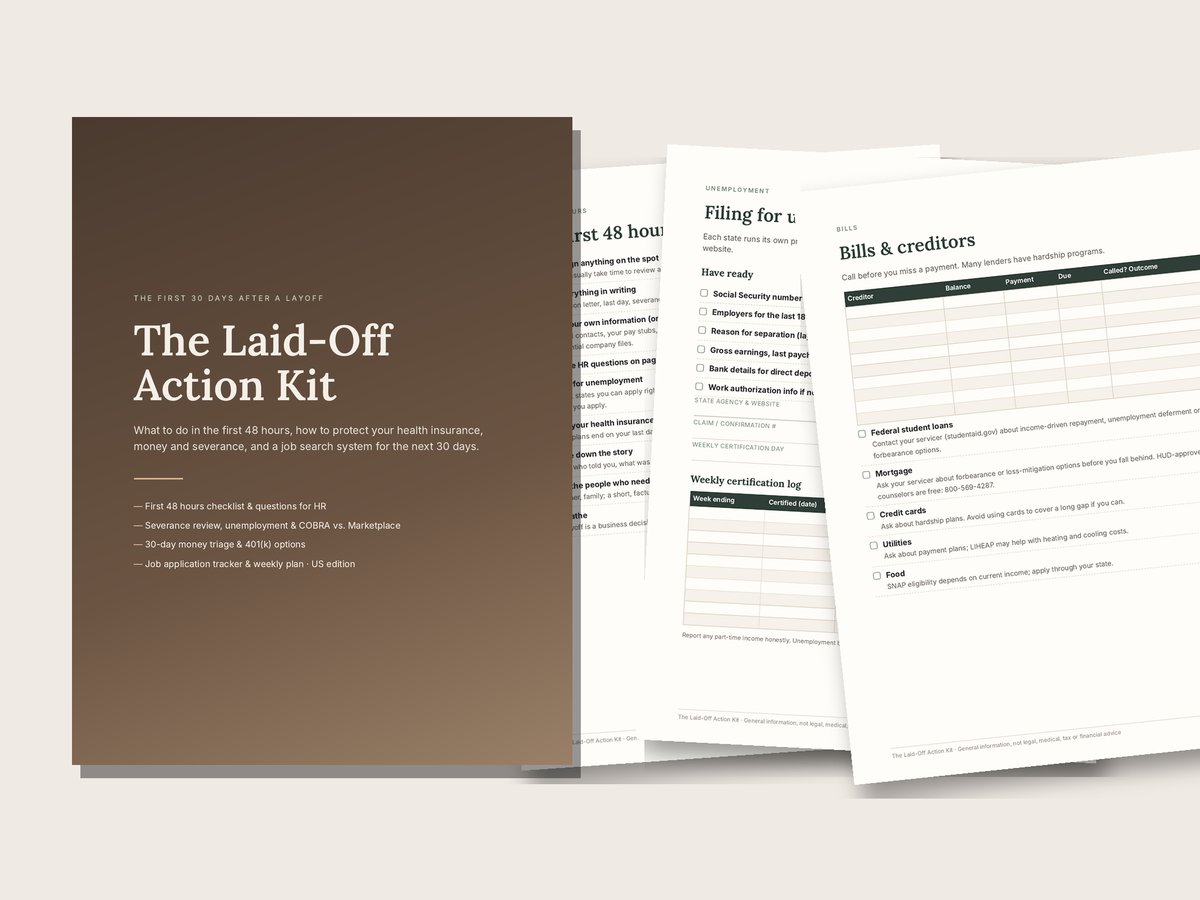
Laid-Off Action Kit — $12
18-page workbook: first 48 hours, questions for HR, severance review, unemployment, COBRA vs. Marketplace, runway budget and a job application tracker. Instant download: PDF + DOCX + XLSX.
Get the Laid-Off Action KitFamily Paperwork Bundle — $34More guides
- What To Do After Being Laid Off: The First 48 Hours
- Questions To Ask HR When You Are Laid Off
- Severance Agreement Checklist: What To Review Before You Sign
- How To File for Unemployment After a Layoff
- COBRA vs. Marketplace After a Layoff: How To Choose
- Layoff Budget: How To Calculate Your Financial Runway
- What To Do With Your 401(k) After a Layoff
- Job Application Tracker: How To Organize Your Job Search
- How To Negotiate Severance: A Polite, Practical Approach